Instructions for Dma.Systems
📌 Launch Guide
🔗 1. Downloads
• Loader (clickable)
• Required DLL files (clickable)
⚙️ 2. Preparation Before Launch
2.1 Check AHCI Mode
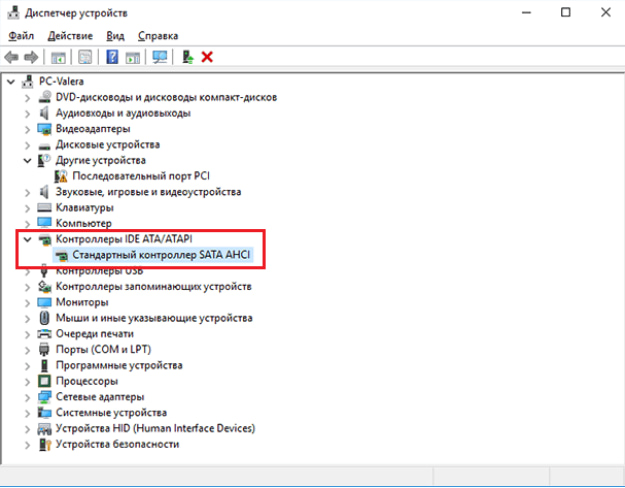
• Open Device Manager
• Expand IDE ATA/ATAPI controllers
• Make sure the controller is running in AHCI mode
⚠️ If AHCI is not enabled:
• Enter BIOS
• Find SATA Mode (name may vary)
• Switch it to AHCI
❗ Important:
• Older PCs may not support AHCI
• Some systems require Windows reinstallation after enabling AHCI
2.2 Check AVX2 Support
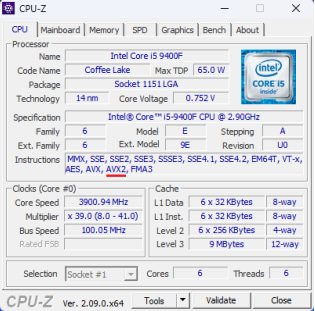
• Download CPU-Z
• Check if your CPU supports AVX2 instructions
2.3 Check Virtualization-Based Security
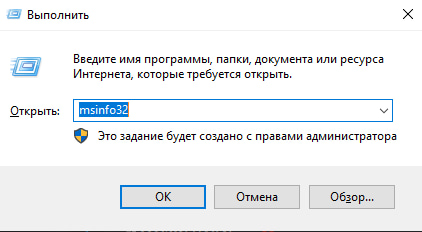
• Press WIN + R
• Type: msinfo32
• Find Virtualization-based security
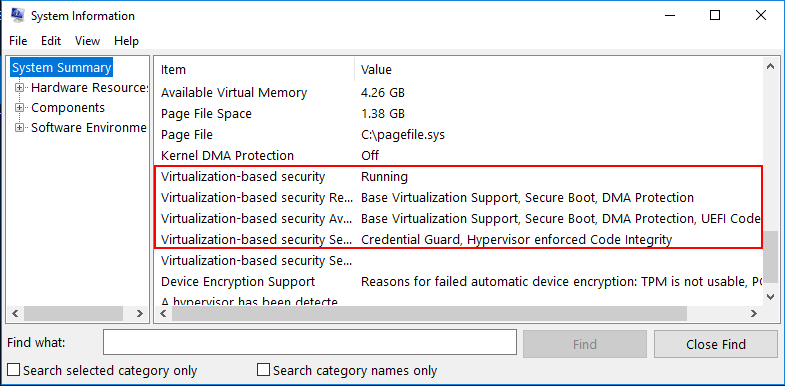
If it shows Running:
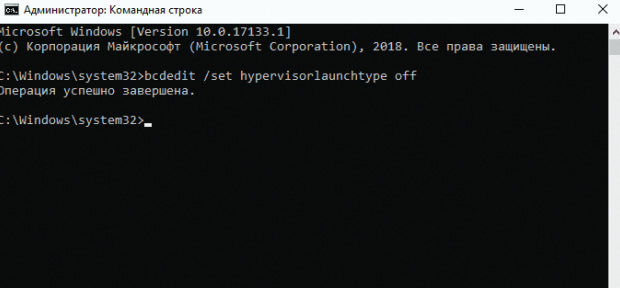
Open Command Prompt as Administrator
Enter the command:
bcdedit /set hypervisorlaunchtype offPress Enter
Reboot your PC
🧩 3. Preparation Before First Launch
3.1 Install Required Components
• Install:
Microsoft Visual C++ Redistributable
DirectX Runtime Libraries (Web Installer)
3.2 System Preparation
Before launching the loader:
• Remove all antivirus software
• Disable Windows Defender
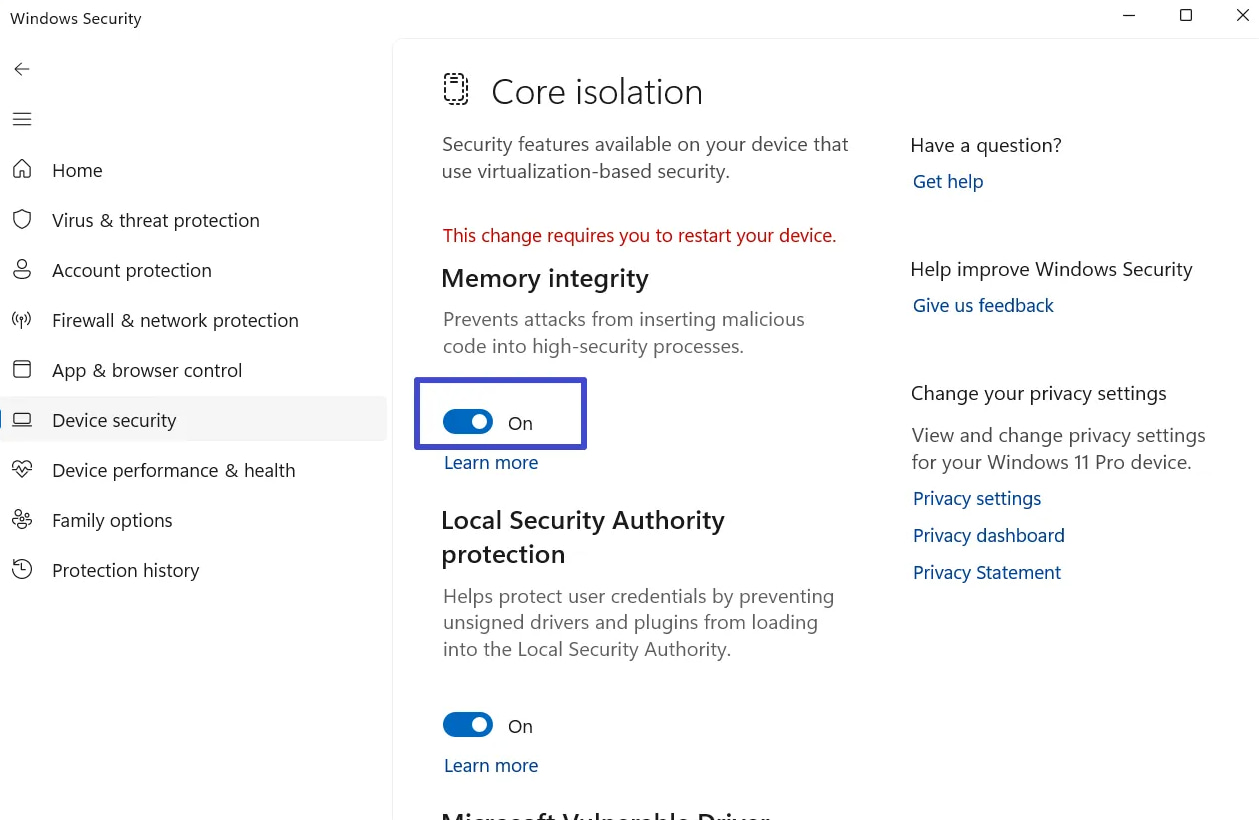
• Disable Core Isolation
• Remove anti-cheats:
Faceit
Vanguard
🔄 Reboot your PC after completing these steps
🚀 4. Launching the Loader
4.1 Before Launch
• Close the game
4.2 Start the Loader
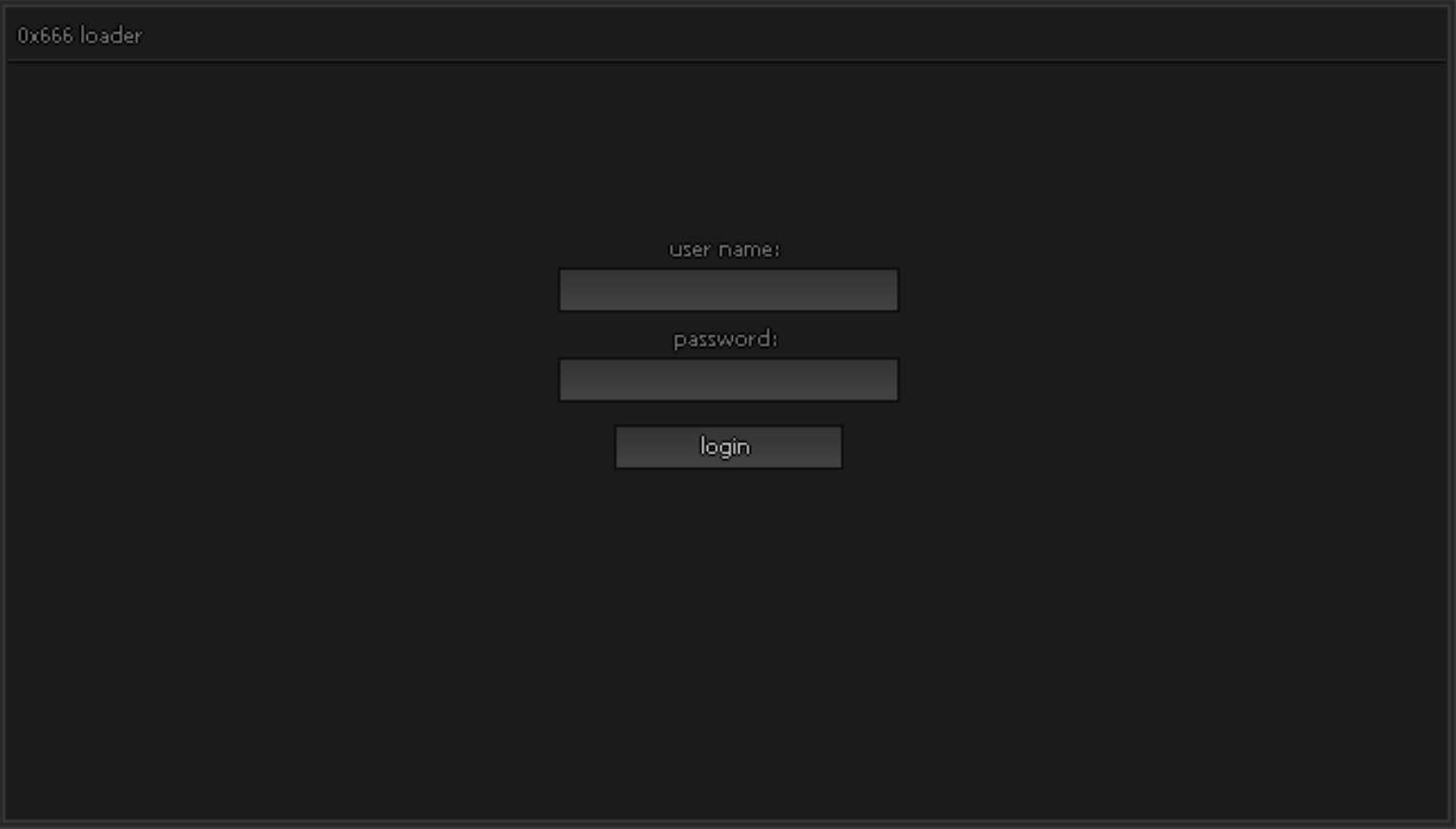
• Run the loader
If it doesn’t open:
• Check the logs.txt file in the loader folder
• Review the error
4.3 Authorization
• Enter your login credentials
Possible errors:
• account banned — account is banned
• user credentials too short — login/password too short
• user credentials have forbidden symbols — invalid characters
• account not found — account does not exist
• password incorrect — wrong password
• hwid incorrect — HWID mismatch
➡️ For HWID issues, contact support
📦 5. Loading the Product
• Go to the Products selection tab
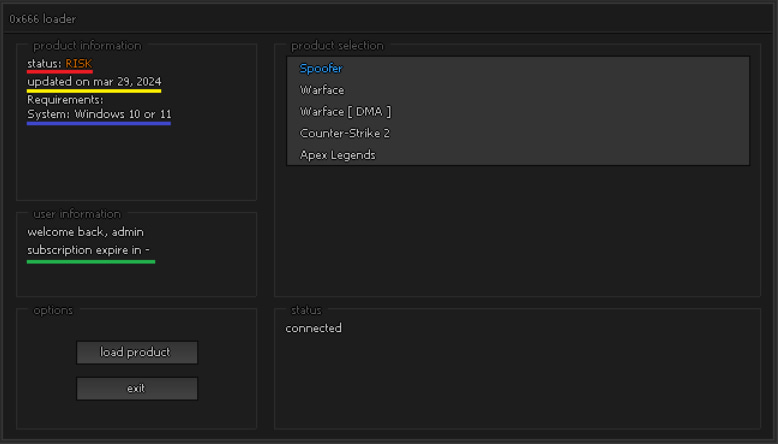
• Select a product
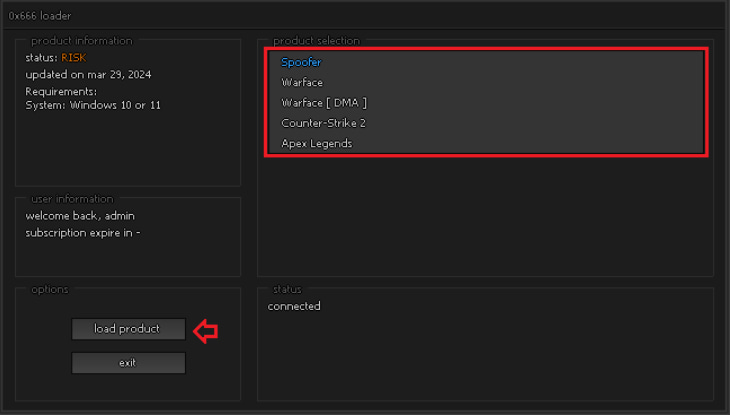
• Click Load Product
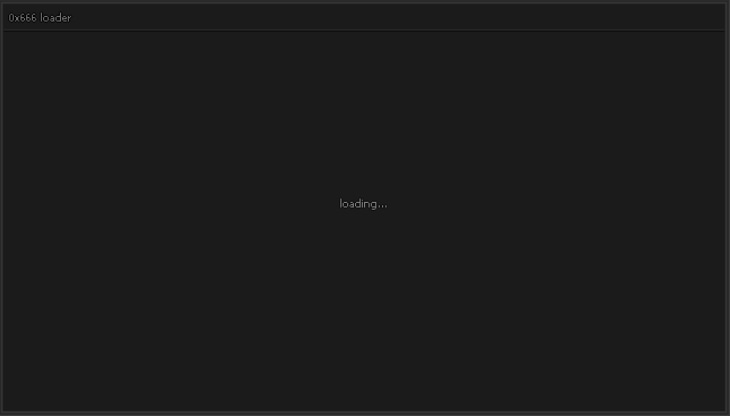
• Wait for the download to complete
✅ Success:
• Message: "successfully loaded"
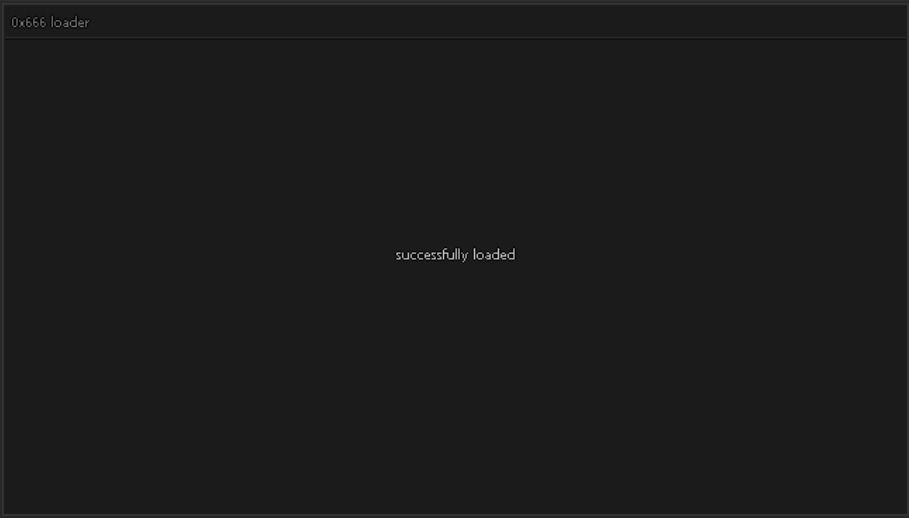
• You can now launch the game
❗ 6. Errors
• 0xc0000428 → disable Secure Boot
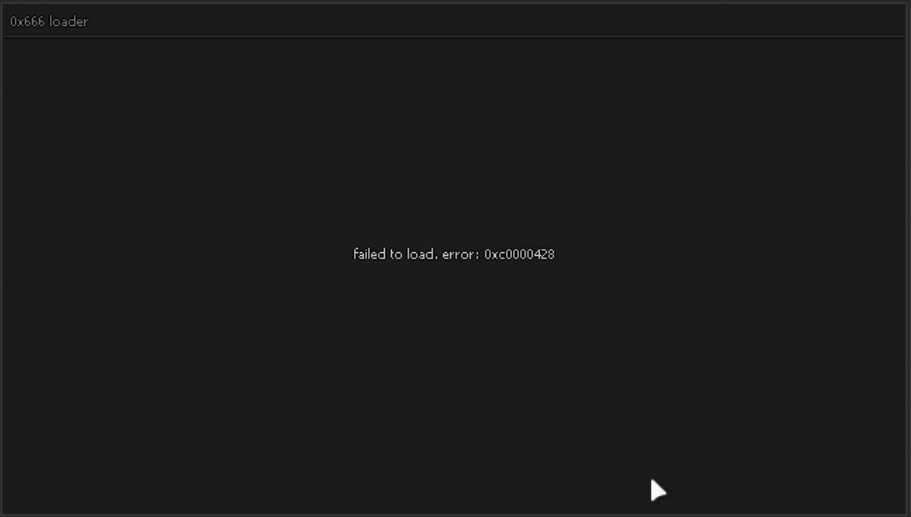
➡️ For other errors:
• Contact support
🔄 7. Unloading
• A system reboot is required to fully unload the product